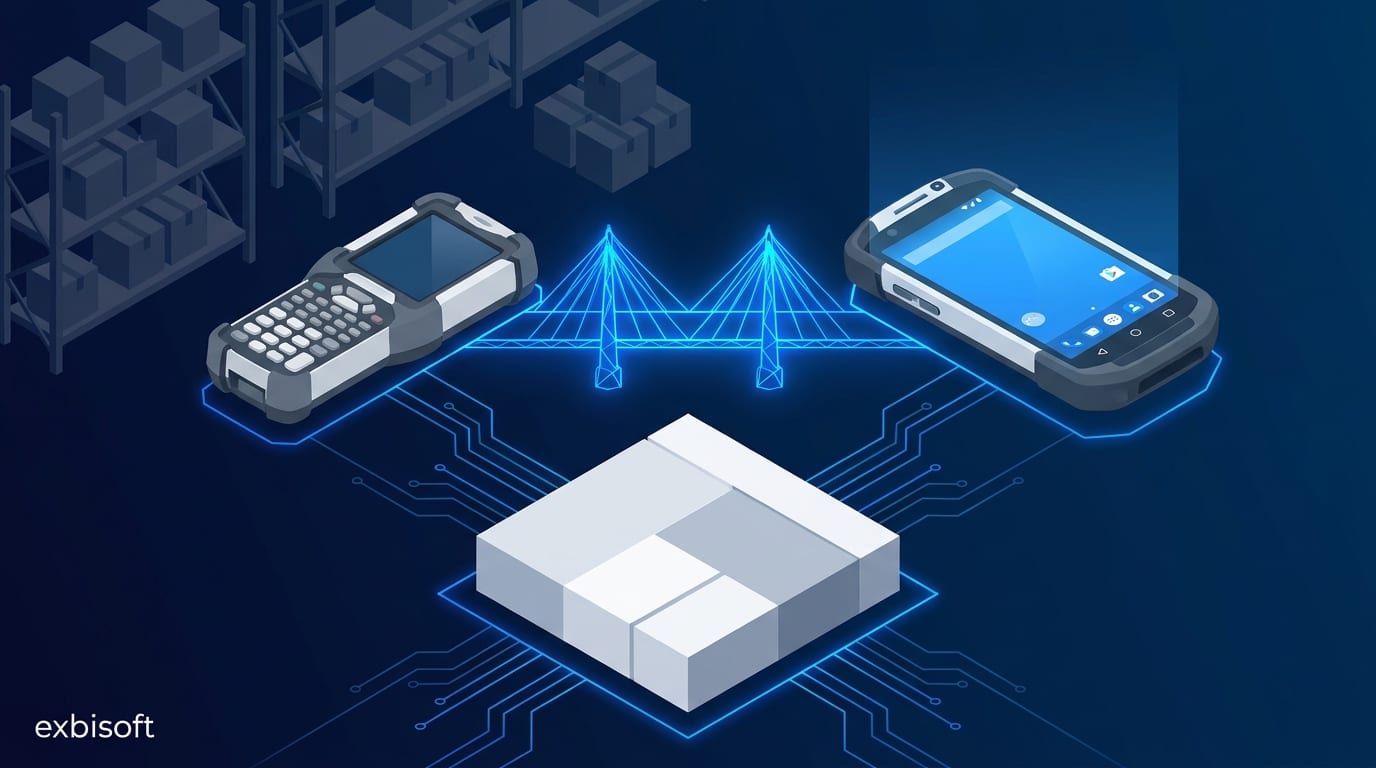
Photo: Google Gemini · AI-generated
New to this topic? Start here
Terms used in this piece
- Windows CE / Windows Embedded Compact
- A small version of Windows made for devices such as handheld scanners and terminals; Microsoft no longer releases fixes for it.
- Handheld (rugged handheld)
- A robust mobile device with a built-in barcode scanner, used in warehouses and production.
- Data layer
- The part of an app that reads and writes the business data, here the connection to the ERP system.
- White-label
- Software built by one company and sold under another company's brand.
- Dedicated device
- An Android device set up to run one app or a few apps only, managed centrally, as a scanner usually is.
Read first
- Windows CE migration FAQ ↗Microsoft's own answers on what the end of support means and where it suggests moving.
In many warehouses the barcode scanner is the oldest computer in the building. A lot of them still run Windows CE, or its later name, Windows Embedded Compact. Microsoft ended extended support for the last version, Windows Embedded Compact 2013, in October 2023. The devices keep working, but they get no more security fixes, replacement hardware is getting hard to buy, and new handhelds from the same manufacturers run Android.
So the question is rarely whether the app moves. It is what moves with it.
The app is not the screens
When people describe their scanner app, they describe screens: receiving, stock check, picking, dispatch. Those are the visible part. The valuable part sits underneath: years of rules about what happens when a delivery is short, when a batch number does not match, when stock goes negative. And there is one more part that decides most of the risk: how the app talks to the ERP system.
If the new app keeps that conversation exactly as it was, the ERP side does not change, the customer’s IT does not have to approve a new interface, and the people on the floor see a new device with the same steps. If the conversation changes, the project quietly becomes an ERP project as well.
What we did for a software vendor
A software vendor that sells an ERP add-on for Sage 100 came to us with exactly this. Its customers ran its warehouse and production app on Windows CE handhelds: inventory, receiving, dispatch and production. The hardware was at end of life, and the vendor wanted its customers on modern Android devices without breaking anything they relied on.
We rebuilt the app as a native Android app in C# with Xamarin, and we kept it on the same data layer the Windows CE app used to talk to Sage 100. For the vendor’s customers that meant one thing: they changed the device, not the integration. The workflows stayed in the same order with the same names, so nobody on the floor had to relearn the job. The app ships under the vendor’s own brand; our name does not appear in it.
That is the whole trick, and it is less clever than it sounds. Most of the work was reading the old app carefully enough to know what it really did before writing a line of the new one.
What changes anyway
Keeping the workflow does not mean copying the old app pixel by pixel. Some things change because the device changed:
- Input. Old handhelds had physical keypads and small screens. Android handhelds are touch-first with larger screens. Steps that needed three key presses can become one tap, but the order of the steps should stay.
- Scanning. Every hardware manufacturer exposes its built-in scanner a little differently. This is worth testing on the real target device early, not at the end.
- Device management. Android devices used as scanners are normally set up as dedicated devices: managed centrally, locked to the app, updated remotely. Plan this with whoever runs the devices, because it changes how updates reach the floor.
- Offline behaviour. Warehouses have dead spots. Whatever the old app did when the connection dropped, the new one has to do at least as well.
One honest footnote: an app built on Xamarin now has its own next step, because Microsoft ended Xamarin support in May 2024. That move, to .NET MAUI, is a smaller one, and we describe it in Xamarin to .NET MAUI: migrating an app people use every day.
Where to start
Before anyone talks about frameworks, write down three things: every system the old app talks to and how, every workflow your people use daily, and the rules nobody documented but everyone relies on. That list tells you what has to be kept exactly, and that is usually less than people fear and more than they expect.
That inventory is also the first part of our Modernisation Assessment: four weeks, a fixed price, and a written answer on what to keep, what to rebuild and in which order. If you already know the answer and need the app moved, tell us what it runs on.
Go further
- Software modernisation: how we approach itThe service page, with the fixed-price Modernisation Assessment as the first step.
- Case study: Mobile ERPThe project this article draws on: a Windows CE warehouse app rebuilt for Android, white-label, on Sage 100.
- Android for dedicated devices ↗Google's developer guide to apps that run on managed, single-purpose devices such as scanners and kiosks.
Sources
- Windows CE migration FAQ, Microsoft LearnEnd of support for Windows Embedded Compact 2013: no more support patches since October 2023.